


Reliable internet used to be the main thing you lost when you headed off-grid. Starlink Mini is changing that—giving Australian travellers, caravanners, 4WDers, and remote workers a genuinely usable internet option in places where mobile reception is patchy (or non-existent).
This guide breaks down what Starlink Mini is, who it suits, what to consider before you buy, and how to set it up for real-world Aussie travel—plus the Outcamp accessories that make it easier to mount, power, and protect.
What is Starlink Mini (and why it matters for Australian travel)?
Starlink Mini is Starlink’s compact, portable satellite kit designed for “internet on the go”. Compared with traditional satellite services, Starlink’s low-earth-orbit system is known for:
- better latency (important for video calls and live work tools)
- higher practical speeds (varies by location, congestion, obstructions, and weather)
- quick setup (so it’s realistic for overnight stops and multi-stop trips)
For Australian conditions—big distances, remote camps, and inconsistent telco coverage—Starlink Mini can be the difference between:
- being able to work from a free camp mid-week
- keeping kids entertained with streaming (when allowed by your plan)
- having a reliable way to message/call over Wi‑Fi where mobile is dead (especially if your phone supports Wi‑Fi calling)
For Starlink’s current plan and hardware details, always check the official Starlink pages (they change):
Starlink – Roam
Who should consider Starlink Mini?
1) Remote workers & digital nomads
If you rely on Zoom/Teams/Google Meet, cloud drives, uploading documents, and general web apps, Starlink Mini can make remote work viable from:
- coastal campsites
- inland rest areas (where permitted)
- station stays, farm stays, and remote caravan parks
2) Caravanners and RV travellers
If you’re touring Australia and want consistent connectivity for:
- trip planning and weather checks
- streaming on downtime
- keeping in touch with family
…Starlink Mini fits the travel rhythm better than a fixed dish.
3) Safety-minded remote travellers
Internet isn’t just entertainment. In the right situation it supports:
- real-time weather warnings
- access to maps, road alerts, and emergency info
- communication options (where Wi‑Fi calling and messaging apps are available)
Real-world setup: what makes Starlink Mini work well?
1) Clear sky matters more than “signal bars”
Starlink needs a clear view of the sky. In Australia, the most common performance killer is obstruction:
- trees at bush camps
- cliff walls, gullies, deep valleys
- parking too close to buildings at a caravan park
A small change in position can be the difference between stable video calls and constant dropouts.
2) Mounting options for travel
“Put it on the ground” works—until it doesn’t (wind, people/pets, uneven ground, theft risk, or you just want a repeatable setup).
Outcamp mounting accessories can help you get a consistent setup:
- Tripod-style option: Outcamp Starlink Mini Tripod Mount
- Roof rack style setups: Starlink Mini Roof Rack Mount
- Quick clamp-on mounting: Starlink Mini Clamp On Mount
- Low-profile mounting: Starlink Mini Flat Mount
- Pole mounting: Outcamp Starlink Pole Mount
(Always confirm you’re mounting safely and legally, and that you’re not creating a hazard on public roads.)
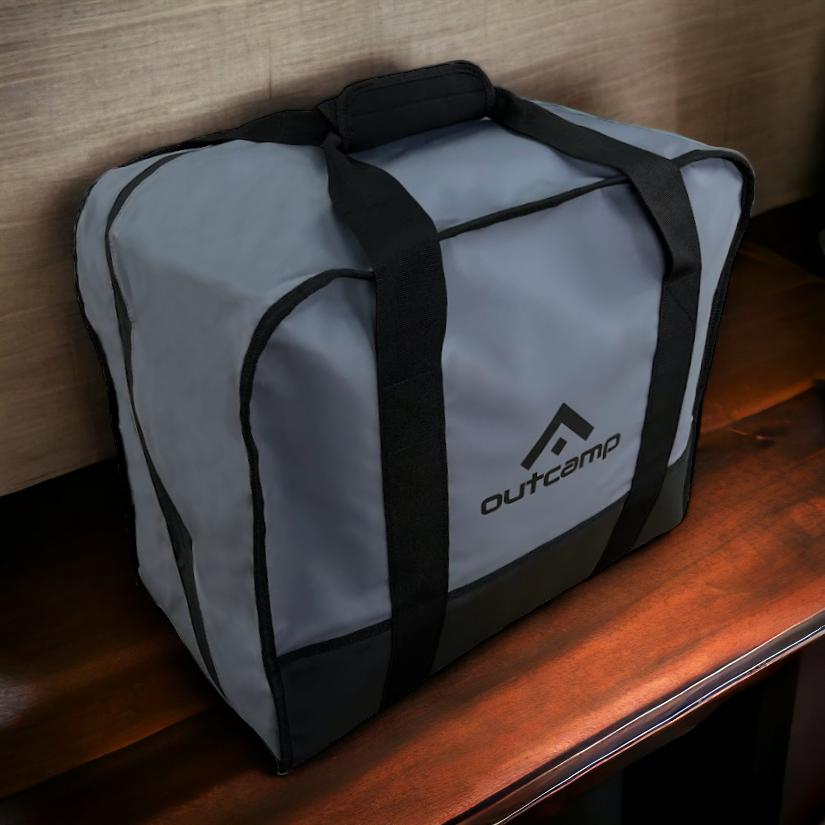
3) Protecting the kit during travel
Starlink gear gets knocked around—especially in drawers, back seats, ute tubs, and caravan boots.
A dedicated carry solution helps prevent damage and makes pack-up faster:
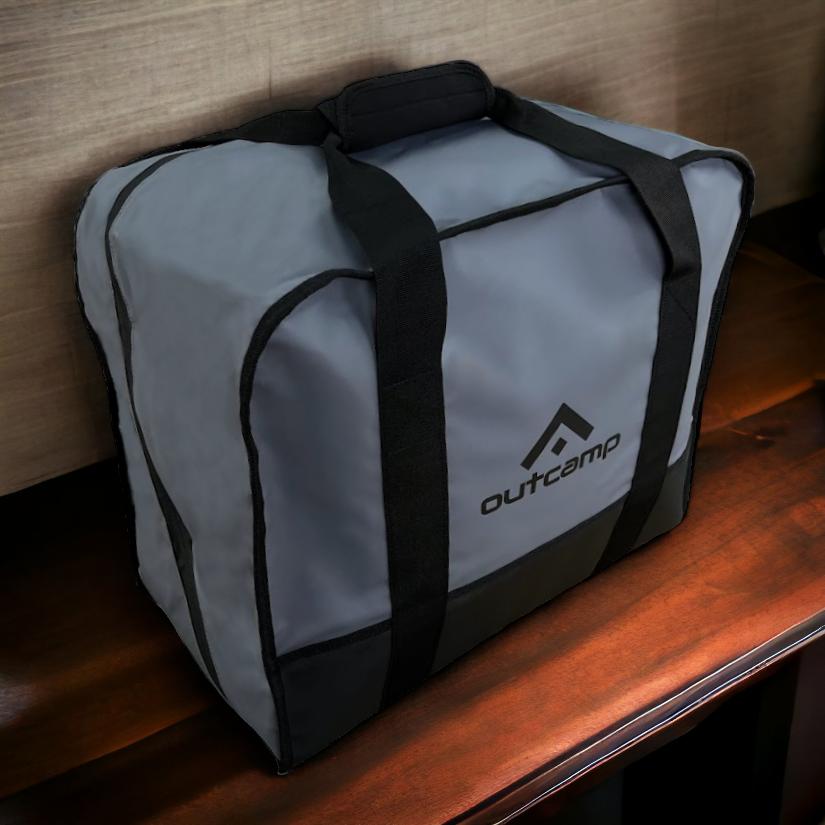
- Starlink carry option: Outcamp Starlink Satellite Carry Bag
Powering Starlink Mini in a caravan or 4WD (the part most people overlook)
Internet is only as reliable as your power. In real travel, the common issues are:
- voltage drop through long cable runs
- under-spec USB‑C chargers that can’t sustain output
- battery systems that sag overnight
If you want to run Starlink Mini from a vehicle setup, this guide is a good starting point (and worth bookmarking):
Guide to powering Starlink Mini from your vehicle using 12V
Useful Outcamp power-related accessories include:
Choosing a plan: what to think about (without the marketing fluff)
Plans change, but your decision usually comes down to:
- How often you travel: weekend trips vs full-time touring
- How much data you actually use: work-only vs streaming-heavy
- Where you’ll use it: dense tree cover camps vs open country
- Whether you need in-motion use: many people assume this is included—always confirm your plan details directly with Starlink.
Best practice: decide what you need to do reliably (email + video calls? streaming? uploads?), then choose the plan that matches that.
Practical performance tips for Aussie campsites
- Arrive with daylight (when possible): easier to find a clear-sky spot
- Avoid trees overhead: even “a bit of canopy” can cause dropouts
- Secure your setup: wind gusts and soft ground can cause the unit to shift
- Keep cables tidy: tripping and connector damage are common
- Use a repeatable mount: less fiddling each stop, faster setup and pack-down
Where Outcamp fits in (and why it’s worth it)
Starlink Mini is excellent tech—but in real travel, the accessories are what make it:
- quicker to deploy
- easier to secure
- safer to transport
- more consistent to power and mount
If you’re building a clean touring setup, start here:
Outcamp Starlink Mini Accessories
Conclusion
For Australian travellers, Starlink Mini is one of the most meaningful upgrades you can make if you value connectivity (for work, safety, or downtime). The key to a good experience is not just buying the dish—it’s getting the mounting, power, and storage right so it’s reliable every time you pull into camp.
If you want a neat, travel-proof setup, Outcamp’s Starlink mounts, cables and carry solutions are designed specifically for that Australian touring reality.




Peter Timm
April 24, 2026
A very help full description for the first timer ,I will be back.