


Somewhere between the pandemic and now, a quiet shift happened in how Australians think about work and travel. The laptop moved from the spare bedroom to the passenger seat. The office became wherever you parked. And the question stopped being “can I work remotely?” and started being “where can I work remotely that actually feels like living?”
In 2026, a growing number of remote workers across Australia are answering that question with a Starlink Mini strapped to the roof rack. The combination of affordable satellite internet, compact power systems, and an employer base that no longer blinks at a Zoom background featuring gum trees has created something genuinely new: the working camp trip. Not a holiday where you sneak in a few emails, but a legitimate, productive work week run from a campsite, beach, or bush clearing — with speeds that rival suburban NBN.
Why 2026 Is the Tipping Point for Remote Work on the Road
Three things converged to make this year different. First, the Starlink Mini hardware dropped to $599 — still not pocket change, but within reach for anyone who would otherwise spend that on a few months of caravan park fees just to get Wi-Fi. Second, the Roam 100GB plan doubled its data allowance from 50GB to 100GB in January 2026, all for $80 a month. And third, Australian employers have largely stopped fighting the remote work trend. If your deliverables arrive on time, nobody cares whether you filed that report from Surry Hills or the Sapphire Coast.
The result is a new type of traveller. They are not grey nomads or gap-year backpackers. They are software developers, graphic designers, project managers, copywriters, accountants, and consultants — professionals in their thirties, forties, and fifties who have realised that five days of remote work and two days of exploring does not require a house with a mortgage. It requires a vehicle, a dish, and a plan.
Choosing the Right Starlink Roam Plan for Work
This is the first decision that separates casual campers from people who genuinely need to get work done on the road. Starlink currently offers three Roam tiers in Australia, and picking the wrong one can leave you throttled mid-presentation or paying for capacity you will never use.
Understanding your actual data usage is more important than picking the biggest plan. Most remote workers overestimate how much data they consume — video calls are the main culprit, but even those are more efficient than people assume.
Roam 100GB — The Sweet Spot for Most Workers
At $80 per month, the Roam 100GB plan is where most remote workers should start. A typical work day involving four to five hours of video calls, cloud file syncing, email, and web browsing uses roughly 3 to 5GB. Over a 22-day work month, that puts you at 66 to 110GB — right at the plan’s ceiling, but manageable with a few habits.
The key is offloading non-work data. Download entertainment content over free Wi-Fi before you leave town. Set your phone to Wi-Fi only for app updates. Use audio-only mode on calls where video is not essential. These small changes can easily shave 20GB off your monthly usage without affecting your productivity.
If you exceed 100GB, Starlink does not cut you off. Instead, speeds drop to a low-priority tier that still supports email, messaging, and basic browsing — enough to get through the last few days of the month without a full blackout.
Roam Unlimited — For Heavy Users and Shared Setups
At $195 per month, the Unlimited plan makes sense in two scenarios: you are working with large media files (video editors, photographers uploading raw files, developers pushing large builds), or you are travelling as a couple where both partners work remotely. Two people on concurrent Zoom calls with screen sharing will burn through 100GB well before month’s end.
The Unlimited plan also removes the mental overhead of tracking usage. For some people, that peace of mind alone is worth the extra $115. You set it and forget it, which means you can focus on work rather than rationing your bandwidth.
There is also Standby Mode at $8.50 per month, which keeps your account active without providing service. Useful if you only hit the road seasonally and do not want to cancel and re-subscribe each time.
A Note on Latency for Video Calls
Download speed gets all the attention, but latency matters more for remote work. Starlink Mini delivers 30 to 60 milliseconds of latency across most of Australia — well within the range needed for smooth video calls on Zoom, Google Meet, or Microsoft Teams. You will not experience the awkward half-second delay that older satellite systems were famous for. Your colleagues will not even know you are calling from a campsite unless you tell them.
Power Management: Keeping Your Office Running All Day
The Starlink Mini draws between 25 and 40 watts during normal operation — far less than the standard dish. That is the good news. The challenge is that “all day” in a work context means eight to ten hours, not the two hours you might run it to check emails at a campsite. Reliable power is what separates a workable remote office from a stressful experiment.
Your power strategy depends on how long you stay in one place and how much infrastructure your vehicle already has. Here are the three most common setups remote workers are running in 2026.
The 12V Vehicle Setup
If you have a dual-battery system in your four-wheel drive or a house battery in your caravan, you are already halfway there. The Starlink Mini can run directly from 12V DC using a compatible cable, bypassing the included AC adapter entirely. This is more efficient — you are not losing energy converting from DC to AC and back to DC again.
A 100Ah lithium battery will run the Starlink Mini for roughly 30 hours at average draw, which means a full work day barely dents your capacity. Combined with a 200W solar panel on the roof, most users find they can run Starlink, charge a laptop, and keep the fridge cold without ever plugging into mains power. That is genuine off-grid capability.
Portable Power Banks for Lightweight Setups
Not everyone has a built-out four-wheel drive. If you are working from a sedan, a rental van, or just want a grab-and-go setup for day trips, a high-capacity power bank is the answer. Look for units with DC output that can power the Starlink Mini directly — something in the 99Wh to 300Wh range will give you a solid work day.
The PeakDo LinkPower 2, for example, was purpose-built for the Starlink Mini. It delivers DC output at the right voltage, supports pass-through charging, and is airline approved at 99Wh. Pair it with a small folding solar panel and you have a self-contained power system that fits in a daypack.
The key specification to check is continuous DC output wattage. The Starlink Mini can spike to 40W, so you need a power bank rated for at least 50W continuous DC output to avoid unexpected shutdowns during peak usage.
Solar: The Long-Stay Strategy
For trips lasting more than a few days in one spot, solar is not optional — it is essential. A portable 200W folding panel paired with a solar charge controller and a lithium battery gives you indefinite runtime. Set up the panel each morning, angle it north, and your system charges through the day while you work.
The beauty of the Starlink Mini’s low power draw is that you do not need a massive solar array. Even on overcast days in southern Australia, a 200W panel will typically generate enough to cover the Mini’s consumption plus top up your laptop. In the Top End or outback, you will have surplus power by lunchtime.
Real-World Speeds Across Australia
Theory is one thing. What actually happens when you open your laptop at a campsite four hours from the nearest town? The answer, in 2026, is surprisingly good — with some caveats.
Download speeds on the Starlink Mini typically range from 50 to 150 Mbps across most of regional and remote Australia. Upload speeds sit between 10 and 20 Mbps. For context, that upload speed alone is faster than many suburban ADSL connections that Australians were working from just a few years ago.
Where It Shines
Open landscapes are the Mini’s playground. Coastal campsites, outback clearings, pastoral properties, and elevated spots with a clear view of the sky all deliver consistently strong performance. Users running speed tests from places like the Eyre Peninsula, the Kimberley coast, and central Queensland regularly report downloads above 100 Mbps — more than enough for any professional task.
Beach camping along the Coral Coast, national park campgrounds in the Flinders Ranges, and high-country sites in the Victorian Alps all perform well. Anywhere you can see a wide stretch of sky, the Mini will deliver.
Where It Struggles
Dense tree canopy is the Mini’s weakness. Its 110-degree field of view is narrower than the standard Starlink dish, which means thick eucalypt forest or dense rainforest can cause dropouts. If your idea of remote work involves a campsite under tall timber, you will need to be strategic about dish placement.
The fix is elevation. A tripod mount or roof rack mount that gets the Mini above the tree line solves most obstruction issues. Even raising it a metre or two above your vehicle’s roof can dramatically improve the sky view. Outcamp’s range of Starlink mounts are designed for exactly this scenario — quick to set up, stable in wind, and compatible with the Mini’s compact form factor.
Setting Up Your Camp Office
Connectivity is only one piece of the puzzle. If you are going to work productively for eight hours a day from a campsite, your physical setup matters. Hunching over a laptop on a camp chair for a week will wreck your back faster than any deadline.
The most effective camp office setups share a few common features: a stable work surface at the right height, a comfortable seat with back support, shade from direct sun (screens are unreadable in full sunlight), and separation from the “living” area of your campsite. That last point is psychological — having a defined workspace helps you switch between work mode and camp mode.
The Essentials
A compact folding table at standard desk height (around 72cm) is the foundation. Pair it with an adjustable camp chair that supports your lower back — not a low-slung beach chair. A portable laptop stand raises your screen to eye level, which matters more than most people realise over an eight-hour day. Add a compact Bluetooth keyboard and mouse, and you have an ergonomic setup that packs down to almost nothing.
Shade is non-negotiable. An awning off your vehicle, a tarp strung between trees, or even a beach shelter will make the difference between a productive day and a squinting, overheating disaster. Position your screen facing away from the sun and you will be surprised how workable an outdoor office can be.
Protecting Your Gear
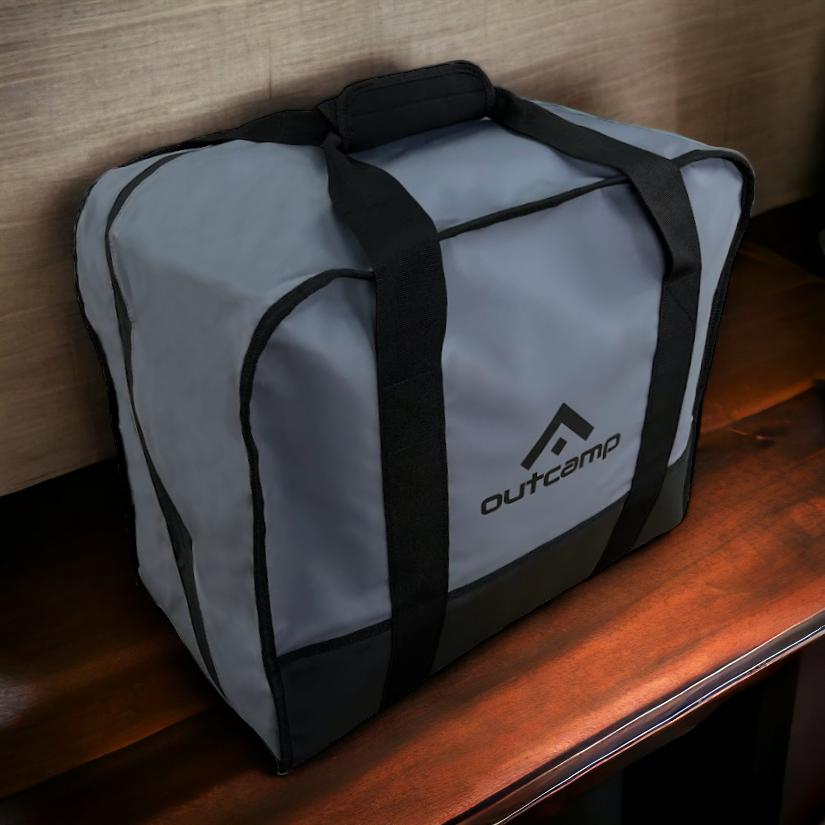
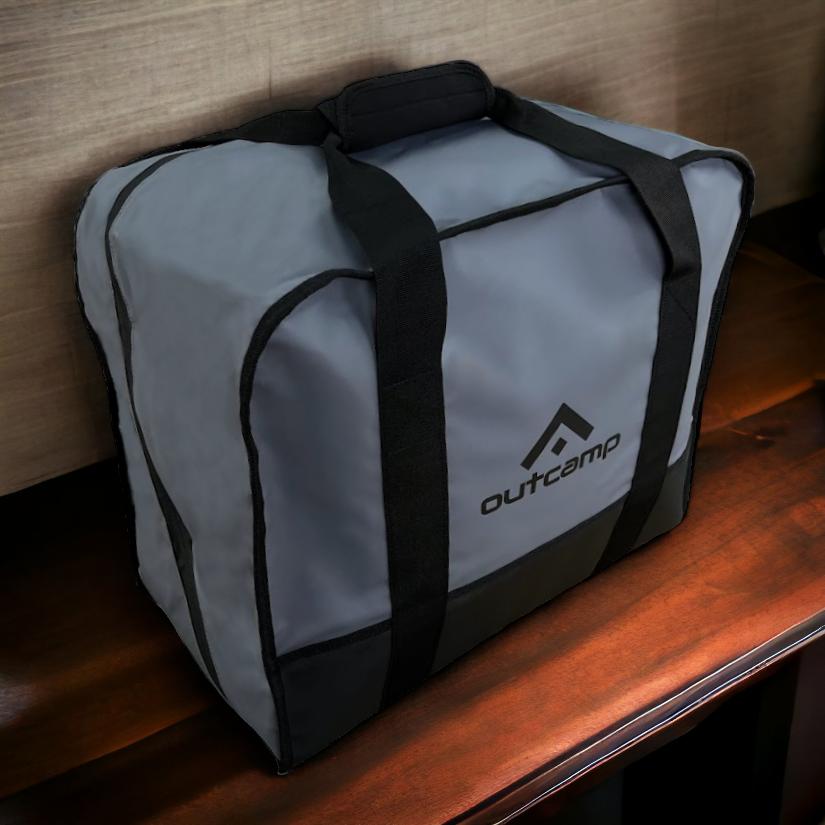
Dust, moisture, and heat are the enemies. A padded Starlink carry bag protects the Mini in transit and doubles as a clean storage solution at camp. Keep your laptop in a neoprene sleeve when not in use, and never leave electronics in a sealed vehicle during the heat of the day — internal temperatures can exceed 60 degrees in the Australian sun, which will damage batteries and screens.
A small dry bag for cables, adapters, and power accessories keeps everything organised and protected from dew or unexpected rain. It sounds simple, but the difference between a smooth work morning and a frantic hunt for a damp charging cable is just a bit of organisation the night before.
Making It Work Long-Term
The remote workers who sustain this lifestyle — months or even years on the road — all point to the same lesson: routine matters more than gear. Set your work hours and stick to them. Tell your team your schedule. Build in buffer days for travel between campsites, because trying to drive four hours and then deliver a full work day is a recipe for burnout.
Plan your route around connectivity, not just scenery. The Outcamp blog regularly covers the best connected camping spots across Australia, and the Starlink coverage map is worth checking before you commit to a remote location. Most of Australia is well covered in 2026, but a five-minute check saves a lot of frustration.
The gear side is actually the easy part. A Starlink Mini, a decent power setup, a comfortable work surface, and a few well-chosen accessories from Outcamp is all the hardware you need. The rest is just deciding where to park — and that is the best part of the whole arrangement.




Leave a comment (all fields required)