


Starlink Mini for Remote Film Production in Australia
Australia has always been a magnet for film and television crews chasing landscapes that no studio can replicate. Red dunes outside Birdsville, the Pilbara at first light, the Kimberley wet season, the Great Ocean Road in winter swell — these are the locations that earn international productions their tax incentives and their awards reels. The catch has always been the same: the further you travel from a capital city, the further you travel from the bandwidth a modern production actually needs.
That equation has changed. Starlink Mini for film production has quietly become one of the most useful additions to a remote location kit in years, and it is showing up everywhere from independent documentary shoots to second-unit truck convoys on major features. This article looks at how Australian crews are using Starlink Mini on location, what it actually solves, and which mounts, power supplies and cases from Outcamp keep the system reliable when the weather turns and the schedule does not.
Why connectivity is now a production-critical line item
For most of the last two decades, remote shoots planned around the assumption that the internet would essentially stop working the moment the satellite truck rolled out of mobile range. Dailies were couriered. Producers approved cuts via tape. VFX vendors waited for the data wrangler to drive into town. The workflow tolerated it because there was no alternative.
Modern productions cannot operate that way. Insurance, payroll, dailies review, virtual production handshakes, drone flight logging, weather and fire updates, on-set safety reporting and even talent's own contractual obligations all assume a working connection. When that connection drops, the cost is measured in crew hours at full rate. Starlink Mini for film production fills the gap with a unit small enough to live in a Pelican case and reliable enough to run an entire base camp.
Dailies and proxy uploads from base camp
The most immediate use case is moving footage from camera to post. A typical day on a feature might generate one to two terabytes of camera original, which is not going up any satellite link in a sensible window, but proxies, sound stems, script supervisor notes and continuity stills absolutely will. Crews using a Starlink Mini at a remote unit base report comfortably uploading a day's proxies overnight while the genset is already running for the lighting truck.
That single capability changes the post relationship. Editors in Sydney or Melbourne can cut against the previous day's material before the shoot crew has finished breakfast. Producers can sign off the rough assembly without anyone leaving the location. For documentary work the gap is even more dramatic, because most documentary crews do not have the budget for a courier run every second day.
Setting it up is straightforward. Most unit managers we have spoken to run the Starlink Mini on the production truck or a dedicated comms vehicle, with the dish raised clear of the awning on a Starlink Mini Roof Rack Mount or Starlink Mini Sports Bar Ute Mount. Cabling runs into a small switch inside the truck, and the post team has its own SSID separated from crew traffic so a misplaced personal device does not eat the upload window.
Live ingest, streaming and remote VT
Live and near-live workflows are where Starlink Mini stops being a convenience and starts being a creative tool. Sport, news, factual entertainment and social content teams are pushing live signal back to studio from places that would have needed a flyaway uplink two years ago. The numbers will never match a dedicated Ku-band truck, but for single-camera ENG packages, two-camera location interviews and even multi-bitrate streams to platforms like YouTube and Twitch, the link is more than enough.
The other quiet revolution is remote VT. Where once a video assist supervisor had to be physically on set, productions are now running real-time monitoring back to a director or showrunner who is anywhere with bandwidth. That has obvious implications for scheduling, budgeting and creative oversight, particularly on shoots split across multiple locations.
Latency is the variable to plan around. Starlink's low-Earth-orbit constellation gives much better round-trip times than older geostationary satellite, but it is still not fibre, and any workflow that depends on sub-50ms responsiveness needs testing before the day. For most production purposes the link is comfortably inside what streaming protocols, cloud editing tools and remote VT software are designed to tolerate.
Cloud production tools and asset management
Beyond the headline use cases, the day-to-day work of a modern shoot has migrated to cloud platforms that simply do not function offline. Frame.io, ShotGrid, Movie Magic Scheduling synced through cloud services, Slack, Teams, Google Drive — all of these are now embedded in the workflow of even small productions. A reliable on-site connection means script revisions land instantly, callsheets distribute as planned, and the second AD is not driving thirty kilometres to find signal.
For productions running virtual production or LED volume work in regional studios, the requirement is even more pointed. Asset packages, lighting data and Unreal Engine scenes need to move between vendors and the volume in something close to real time. A Starlink Mini does not replace a leased fibre line into a major facility, but for remote regional builds it can be the difference between operating and waiting.
Building a production-grade Starlink Mini kit
The hardware itself is the easy part. The kit around it is what makes the difference between a unit that runs reliably for a six-week shoot and one that dies in week two with a corroded connector or a flat house battery. Australian conditions are not kind to electronics, and a film shoot is not a forgiving place to discover that something was undersized.
The good news is that a properly specified Starlink Mini setup is still small enough to fit in a single transport case and light enough that no one has to ask the grips to move it. The categories below cover the components that actually matter once the unit is in service.
Mounting for trucks, vans and base camp
Mount choice depends on whether the dish lives on a moving vehicle or sits at base camp for the duration of the shoot. For production trucks and unit vans, the Starlink Mini Roof Rack Mount and Starlink Mini BullBar/Railing Mount are the most common solutions, both designed to hold the dish square to sky regardless of how rough the access road has been. Crews running ARB-style platform racks on their location vehicles will want the Starlink Mini ARB Baserack Compatible Mount, which bolts straight to the platform without drilling.
For base camp setups the priorities shift. The Starlink Mini Tripod Mount lets the dish be positioned away from the trucks where the sky view is clearer, which matters more than people expect once a marquee, lighting rig and grip truck are all casting RF and physical shadows. The Starlink Mini Clamp on Universal Mount is the choice for crews who want to put the dish on a scaff bar or a piece of grip stand without permanent fixings.
For shoots that move between locations daily, the Starlink Mini Magnetic Mount, Starlink Mini Stainless Steel Magnetic Mount or PeakDo Magnetic Mount let the dish come off a vehicle in seconds and onto another surface just as quickly. The MagLock Pro Magnetic Vehicle Mount is the heavier-duty option for highway-speed transit between units.
Power that survives a fourteen-hour shoot day
Power is where most remote setups fail, and a film set is one of the more punishing environments because everything is competing for the same generator or vehicle bank. The Starlink Mini 12V to 30V Power Supply (Anderson Plug) is the workhorse for vehicle-mounted installations, drawing cleanly off the truck's house battery without the inverter losses of running through a 240V converter.
For longer days or shoots where the genset is on a duty cycle, the Starlink Mini Portable UPS Power Supply (7-10 Hours) is worth budgeting for. It will keep the dish alive through a generator changeover or a deliberate quiet period during a sound take, neither of which the production can afford to have a comms outage during. The PeakDo LinkPower 2 Portable Power Bank (99Wh) covers the smaller scenarios — a second unit interview a kilometre away from base, or a director's village set up in a location where engine noise is unwelcome.
Crews already running a Makita or Milwaukee tool ecosystem on set will appreciate the Starlink Mini Makita 18V Battery Connector and Starlink Mini Milwaukee 18V Battery Adapter. Being able to grab a tool battery off the truck and have the dish powered for a couple of hours is the kind of redundancy that earns its keep the first time a primary supply trips out.
Cases, covers and weather protection
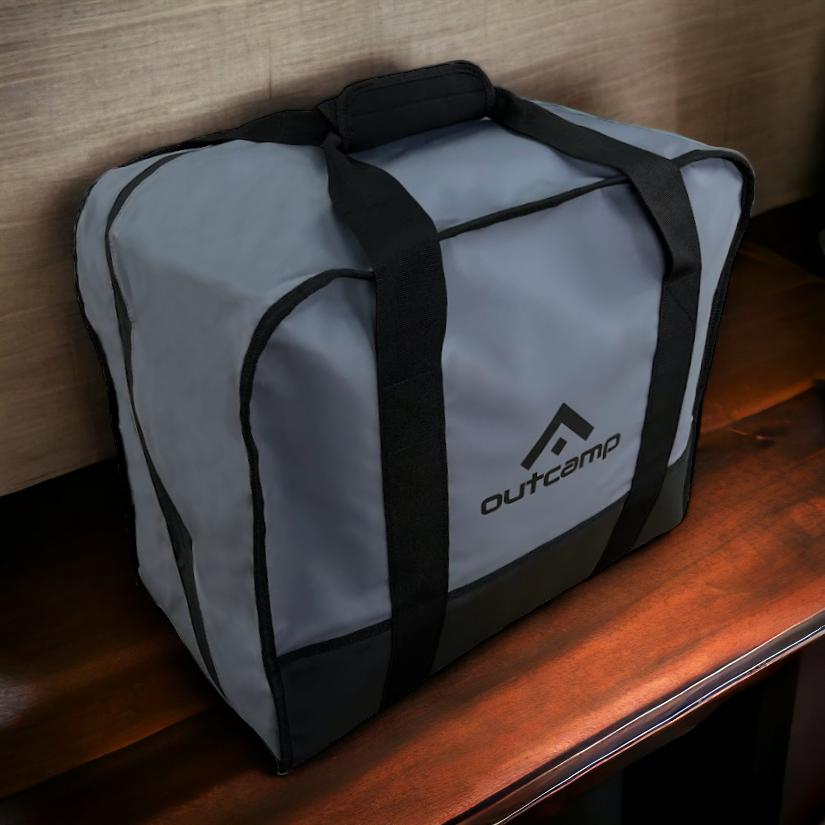
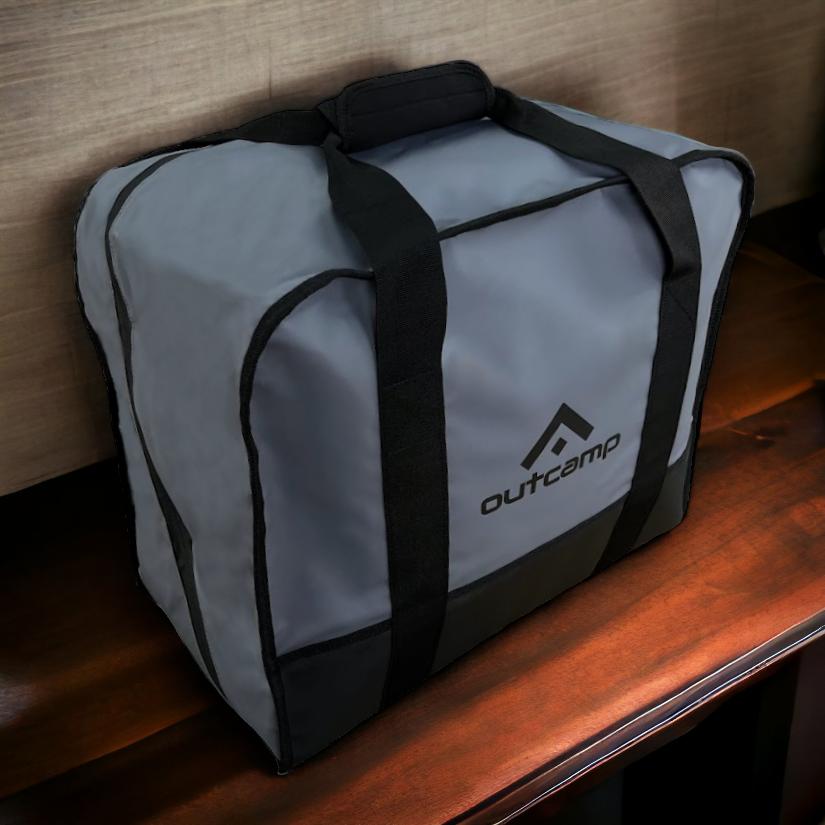
A film unit transports its kit constantly, and Starlink hardware lives or dies on how well it gets handled in transit. The Starlink Mini Hard Protective Travel Case is the obvious starting point for any production buying a unit specifically for location work. The Starlink Mini Carry Bag is the lighter option for crews moving the dish on foot between setups.
Weather protection is the other half of the equation. The Starlink Mini Dish Protector Shield and Starlink Mini Silicone Cover keep the unit functional through the kind of rain, dust and grit a typical Australian location throws at it. Crews working in the Top End wet, the Pilbara dust season or the southern winter all need to think about this before the shoot, not when something stops working.
Practical workflows for different production types
Different jobs need different setups, and the right answer for a six-truck drama unit is the wrong answer for a two-person documentary crew in a Hilux. The breakdowns below cover the patterns we see most often on Australian shoots.
None of these are prescriptive — every production is its own beast — but they are useful starting points for anyone speccing a kit for the first time, or auditing what they already have.
Drama and feature units
Drama productions tend to centralise comms at unit base. The Starlink Mini lives on the production truck or a dedicated comms vehicle, mounted on a Starlink Mini Roof Rack Mount with the Starlink Mini 12V to 30V Power Supply (Anderson Plug) drawing from the house battery. A small managed switch and a couple of access points distribute the signal across base camp, with the post team and script department on a separate VLAN.
The Starlink Mini Portable UPS Power Supply (7-10 Hours) sits in line as a buffer for generator changeovers. A Starlink Mini Hard Protective Travel Case handles transport between units. For productions running a Steadicam village or a second unit a few hundred metres from base, the Starlink Mini Tripod Mount and a PeakDo LinkPower 2 Portable Power Bank (99Wh) gives the second unit its own working connection without running cable across the location.
The total spend is small relative to the cost of a single day's crew, and the operational risk it removes is significant.
Documentary and observational crews
Documentary work runs at the opposite end of the scale. Most observational crews are working out of a single 4x4 with two to four people, often spending weeks at a stretch in genuinely remote country. The kit needs to be smaller, lighter and more flexible.
The typical setup is a Starlink Mini Magnetic Mount or Starlink Mini PeakDo Magnetic Mount on the vehicle roof for transit and quick-deploy connectivity, with a Starlink Mini Tripod Mount in the back for longer stops. Power comes from the Starlink Mini Cigarette Lighter Power Supply (165W USB-C) when the engine is running and the PeakDo LinkPower 2 Portable Power Bank (99Wh) when it is not. The Starlink Mini Travel Backpack (USB Charging Port & TSA Lock) lets the whole rig walk into a location on foot for the days when the vehicle has to stay back.
For documentary teams shooting solo, the entire kit can be specified from the Starlink Mini Explorer Bundle Pack, which removes the guesswork of building a setup from scratch.
Broadcast, news and live content
News and broadcast crews working remote stories have the most demanding upload profile of any of these production types, because the deadline is the broadcast slot rather than the post schedule. The setup is closer to the drama unit pattern, but with more emphasis on link redundancy and clean power.
A Starlink Mini Roof Rack Mount or Starlink Mini Sports Bar Ute Mount on the news vehicle, the Starlink Mini 12V to 30V Power Supply (Anderson Plug) drawing from the house battery, and the Starlink Mini Portable UPS Power Supply (7-10 Hours) buffering the whole link is the standard configuration. The Starlink Mini/Gen 3 Ethernet Adapter (4 Ports) gives the camera operator and the journalist their own hardwired connection back to the dish, which matters when the live cross is going out in five minutes and the laptop has decided to redownload Windows updates.
Conclusion
Remote film production in Australia has always been about solving logistics problems creatively, and connectivity is now firmly part of that conversation. Starlink Mini for film production does not replace a fibre run into a major studio, and it does not turn a crew of three into a broadcast network, but it does collapse a lot of the historical compromises that come with shooting beyond the city limits.
The crews getting the most out of it are the ones treating it as a production-critical piece of kit rather than a convenience. That means proper mounts, properly sized power, weather protection, transport cases and a clear plan for which workflows depend on the link. The hardware to do all of that is sitting on a single supplier's shelf, which is a long way from where this conversation was even two years ago.
If you are speccing a Starlink Mini kit for an upcoming shoot, the full range of mounts, power supplies, cables and cases is at outcamp.com.au, and the Starlink Mini Explorer Bundle Pack is a sensible starting point if you want a complete production-grade setup in one order.




Leave a comment (all fields required)